



Tip with your phone
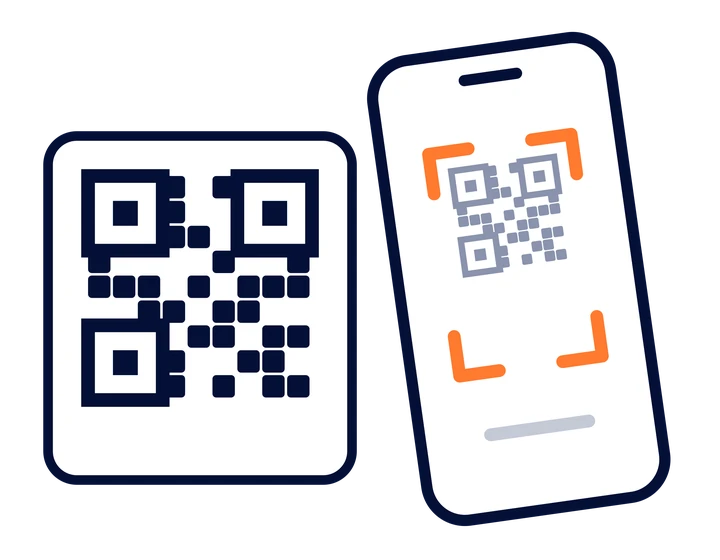
Scan the QR code, choose an amount and pay. Safe, and done in a minute.
- No app, no account
- You pay the amount you choose
- We don't see your card details
Pay with peace of mind
Trusted payment partner
Pay with Apple Pay, Google Pay or another favourite payment method. Your bank may ask for an extra confirmation.
The professional doesn’t know who you are
No name, email or card number.
No surprises
You pay the amount you choose. It's on the button before you pay.
Made a mistake? Money back
Email us within 4 days. If it's clear, you get it back. How?
TRIPTIP.ME on your statement?
That's a tip you gave with Trip & Tip. After TRIPTIP.ME comes the name of the professional.
TRIPTIP.ME* SANNE
How to tip
- 1Scan
- 2Choose
- 3Pay
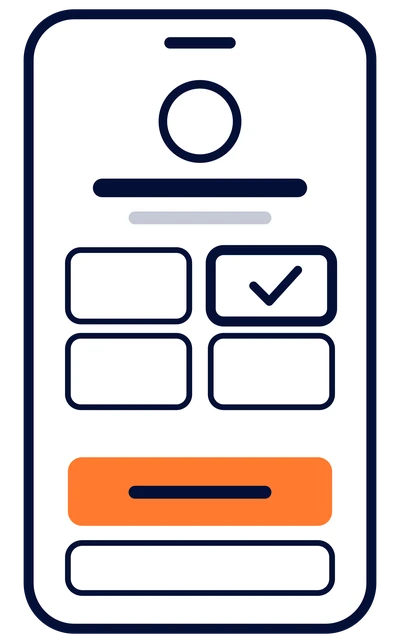
Choose an amount from €1 to €100. Which payment methods you see depends on your country, your phone and your bank.
Questions
What does it cost me?
I made a mistake. What now?
Paid twice, the wrong amount or the wrong professional? Email [email protected] within 4 days.
Include the amount, the date, the time and the last 4 digits of your card (or how you paid).
If the mistake is clear, you get your money back on the same card or account.
My card or phone was stolen
What do you know about me?
Read the terms and the privacy statement.
Receive tips yourself? Here's how →